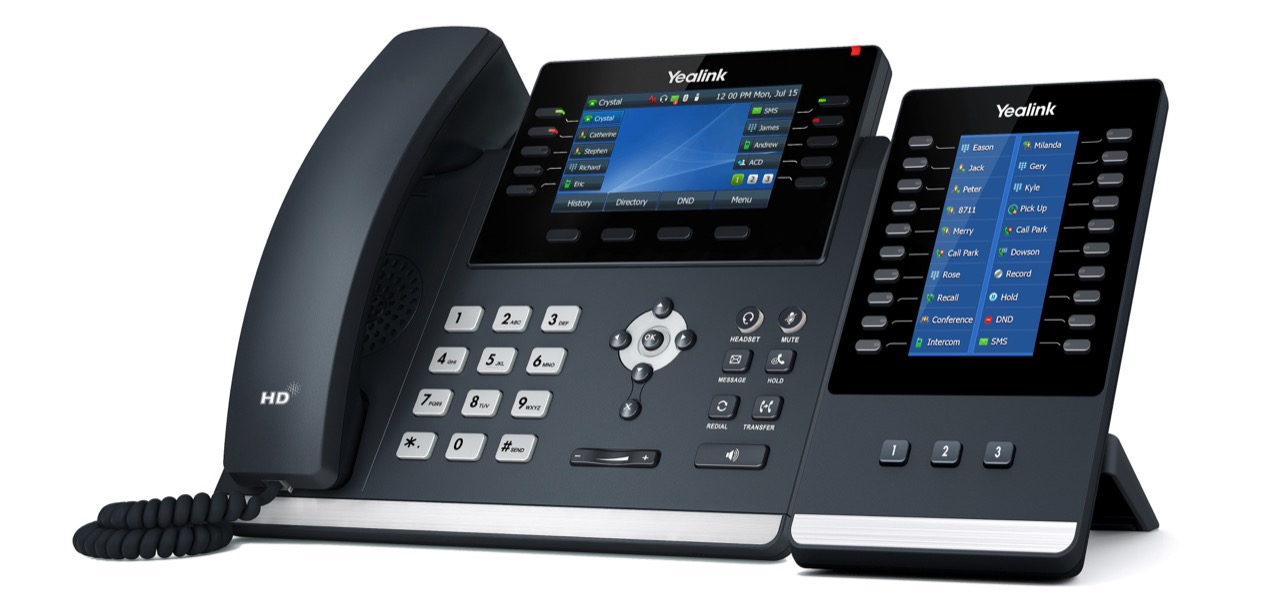
The Yealink EXP43 is a professional add-on expansion module designed to enhance productivity and streamline call handling when paired with compatible Yealink IP phones—especially the T46U and T48U. It’s ideal for users who regularly manage high call volumes, need quick access to contacts and functions, or want to maximize the utility of their desk phone without switching screens.
Key Features & Benefits
Large Color Display: A bright 4.3-inch color screen shows additional line keys, presence statuses, and programmable functions at a glance—great for receptionists, administrators, or power users.
Expanded Key Set: The EXP43 provides up to 43 additional programmable keys, each with dual color LED indicators for busy/available status and quick visual feedback.
Streamlined Navigation: Built-in navigation keys make it easy to scroll through multiple pages of contacts, functions, or BLF (Busy Lamp Field) keys without interrupting active call tasks.
Seamless Integration with T46U/T48U: When paired with the Yealink T46U or T48U, the EXP43 syncs seamlessly with the phone’s user interface and provisioning system. Users can assign speed dials, BLF, call park/retrieve, and other telephony features directly to expansion keys.
Easy Setup: The EXP43 connects directly to the phone via a simple cable—no separate power supply required when used with PoE (Power over Ethernet) phones like the T46U and T48U.
Enhanced Productivity: By extending the number of accessible lines and features without navigating menus, users can manage calls faster and more efficiently throughout the day.
Why It’s Valuable for T46U / T48U Users
For professionals who juggle multiple lines, frequently transfer calls, or need rapid access to directories and busy statuses, the EXP43 turns an already capable phone into a powerful communication hub. It’s particularly useful in busy office environments where responsiveness and workflow efficiency make a difference.
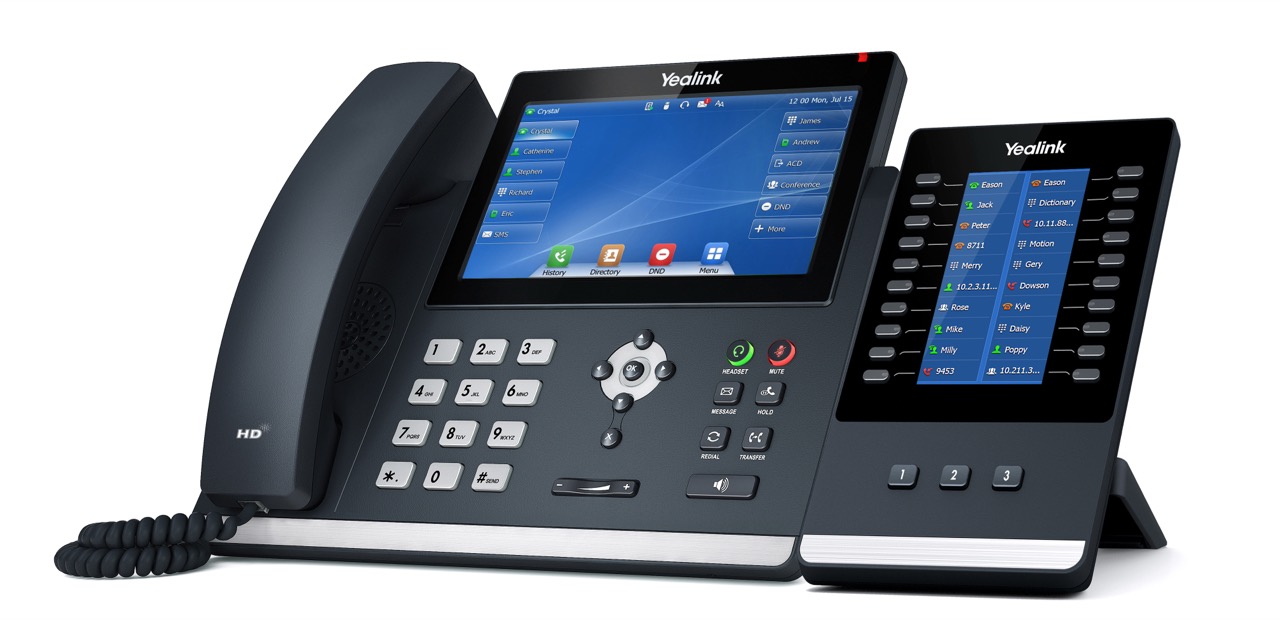
Using with the T48U
Using with the T46U